PhoneFight
About this project
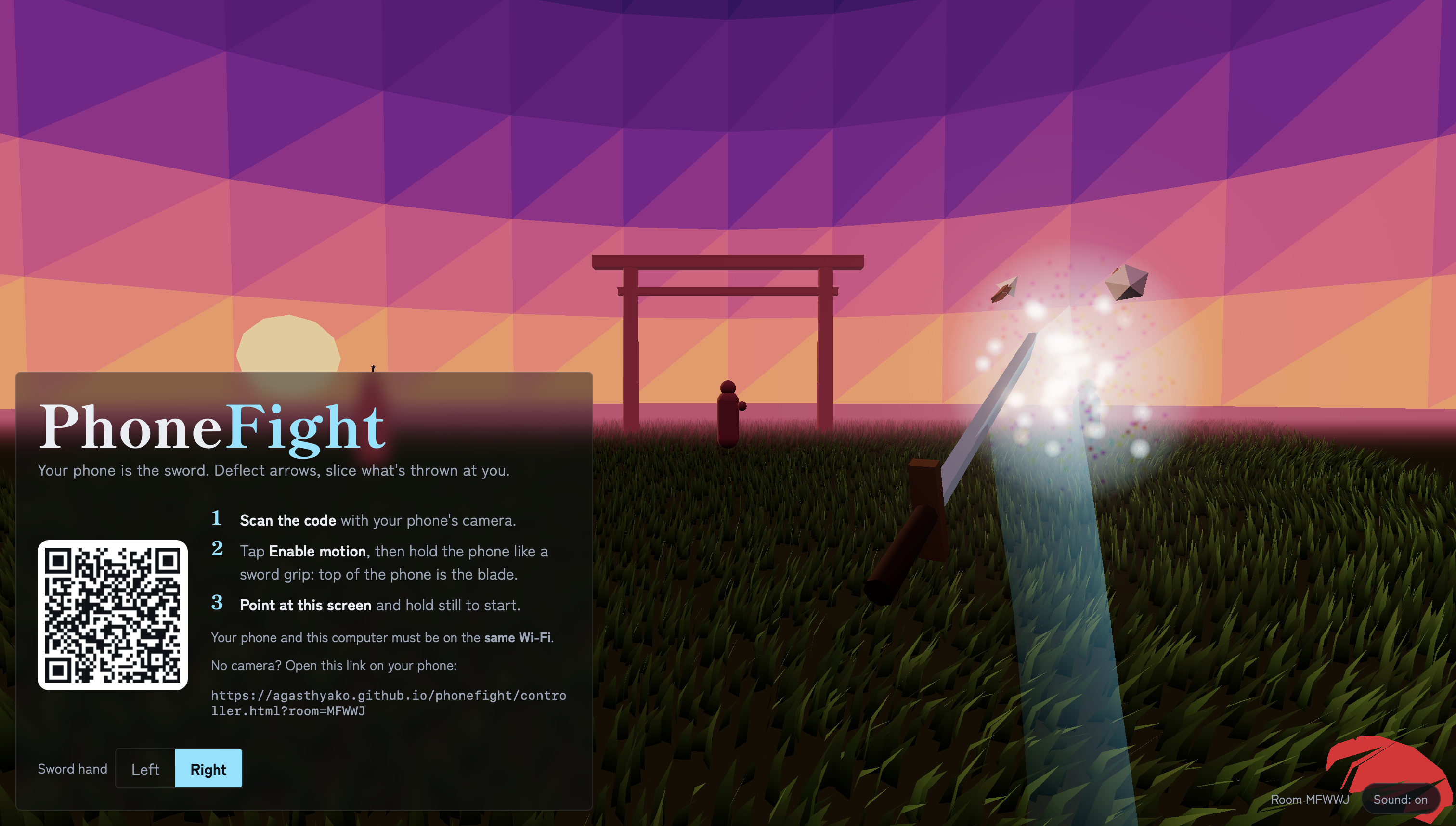
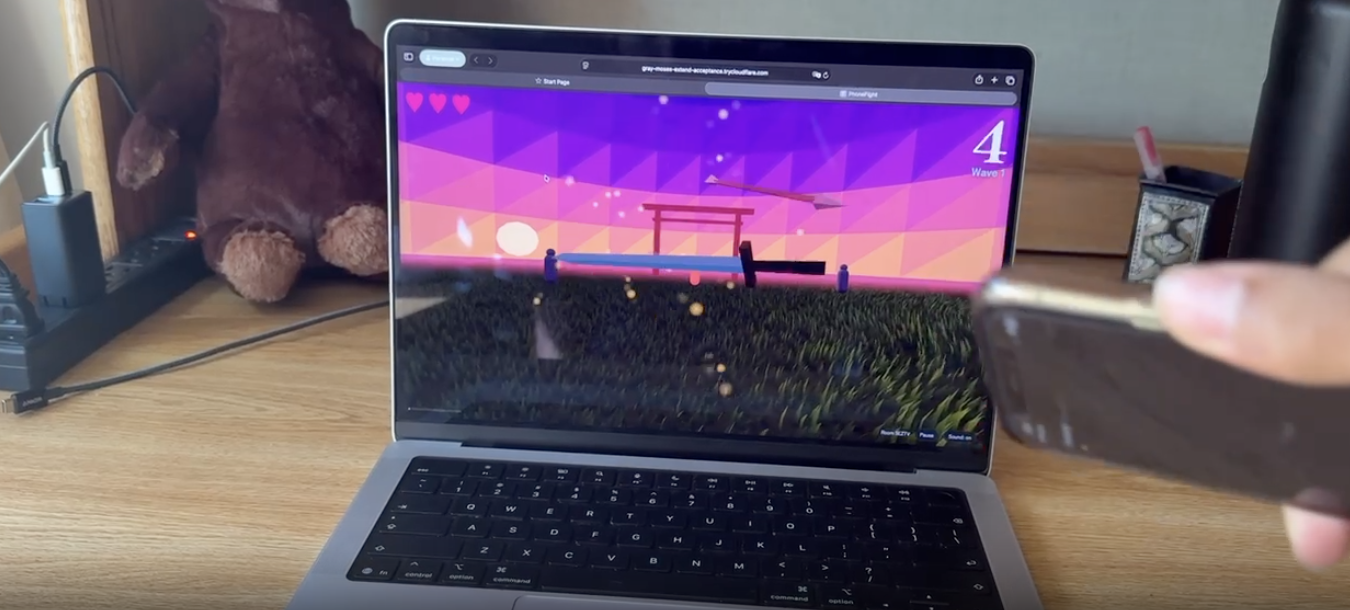
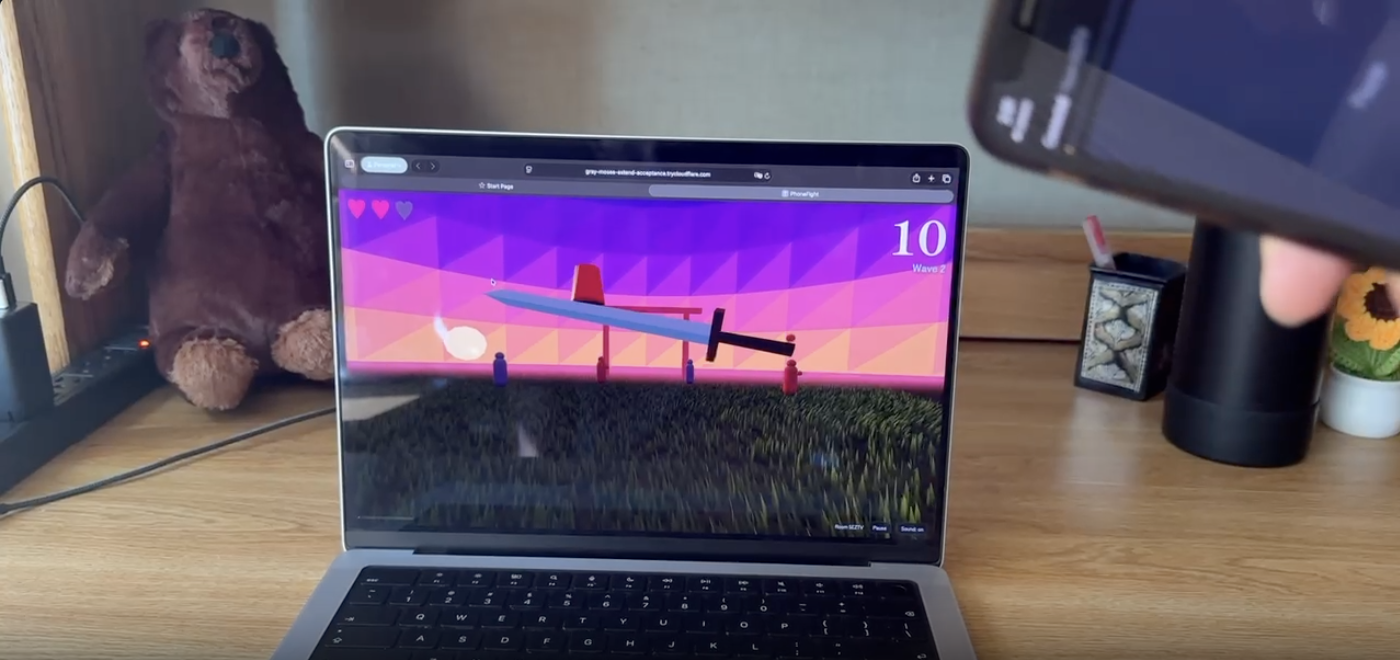
PhoneFight turns the phone in your pocket into a motion controller. Open the game on a laptop, scan the QR code, and your phone becomes a sword: swing it to deflect incoming arrows and slice projectiles out of the air.
What it does
- Pairs a phone to a desktop browser with a QR code. No app and no install.
- Streams the phone’s orientation and gyroscope readings to the game in real time.
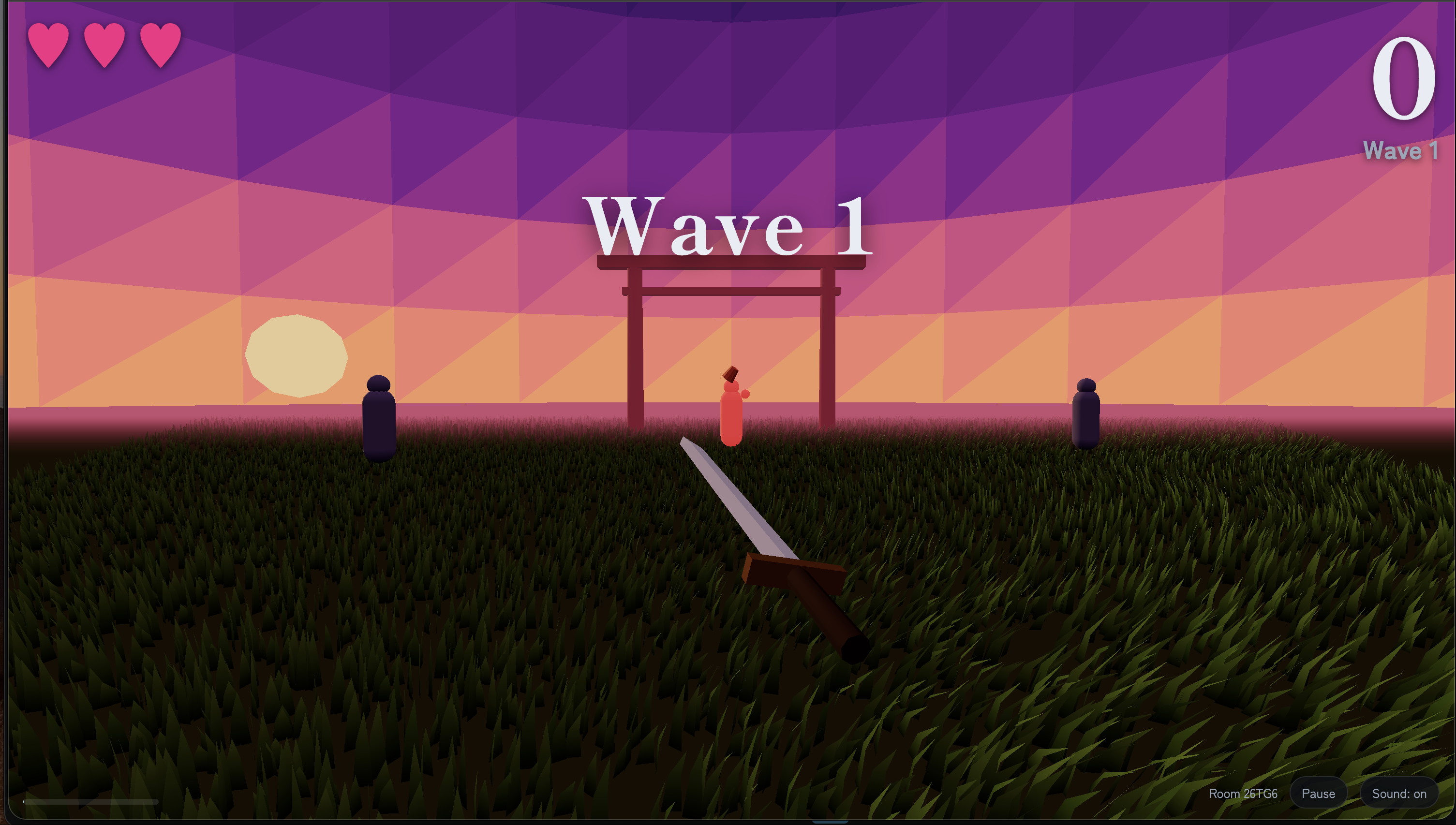
- Maps the phone onto a 3D sword: the top of the phone is the blade, the screen is the Flat, and the long sides are the Edges.
- Hit a projectile with the Flat to Deflect it (1 point), or swing an Edge through it fast to Slice it (2 points). You have 3 lives.
- Waves get harder as you go: more launchers, faster arrows, tighter gaps, and sometimes two shots at once.
How it works
- Pairing. The game creates a room with a short code and shows a QR code. The phone opens the controller page and connects peer to peer over WebRTC, using PeerJS as the broker.
- Sensor stream. The controller page reads the phone’s orientation and gyroscope and streams them to the game. The sensors only work on HTTPS pages, so development runs through a public tunnel.
- Arm model. The phone only reports rotation, not position, so an arm model turns the rotation into a hand position. Raising the blade lifts the hand, and holding it level and still puts it into a high guard.
- Slice or Deflect. No trained model here: the game measures the blade’s speed at the point of contact. An Edge moving faster than about 300°/s mid-blade Slices. Anything else Deflects.
- Collisions. Every projectile is a capsule, and hits are checked with segment-to-segment distance over 10 substeps per frame, so fast swings don’t pass straight through.
- Rendering. Three.js draws the arena, the sword and its trail, and sliced projectiles really split into two halves.